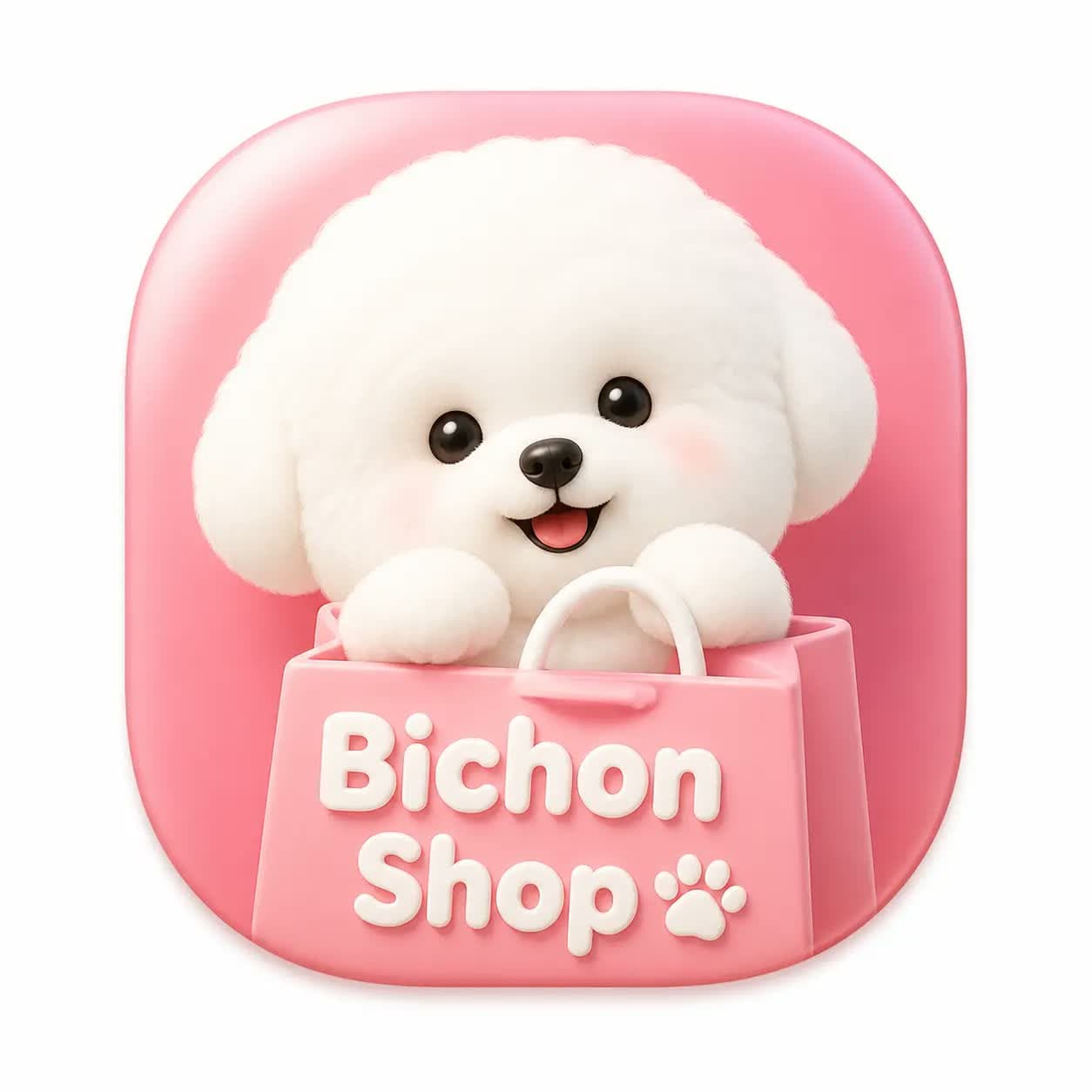
Light skeuomorphic macOS app icon for Bichon Shop with a rounded squircle shape, white canvas padding, and polished dimensional lighting.1:1
Light skeuomorphic macOS app icon for Bichon Shop with a rounded squircle shape, white canvas padding, and polished dimensional lighting.

Brand Design

Bichon Shop Skeuomorphic App Icon

An AI skeuomorphic app icon prompt example for a macOS-style Bichon Shop icon with a smooth squircle shape, white canvas padding, and polished App Store lighting.

AI skeuomorphic app icon prompt examplemacOS iconPet shop branding
Published Updated

Prompt template

Bichon Shop Skeuomorphic App Icon reusable AI image prompt

Create a macOS app icon for an app named "Bichon Shop".

Design a single squircle icon with smooth continuous rounded corners, centered on a white canvas with generous padding, occupying about 80 percent of the canvas. Use a modern light skeuomorphic macOS App Store style.

Keep the output to only one icon. Focus on soft dimensional lighting, precise bevels, gentle shadows, tactile material detail, clean pet-shop friendliness, crisp edge quality, and a premium icon presentation that works at small sizes.

Negative prompt

multiple icons, busy app grid, sharp square corners, dark background, messy typography, low-resolution fur, cheap clipart dog, flat vector-only style, cropped icon
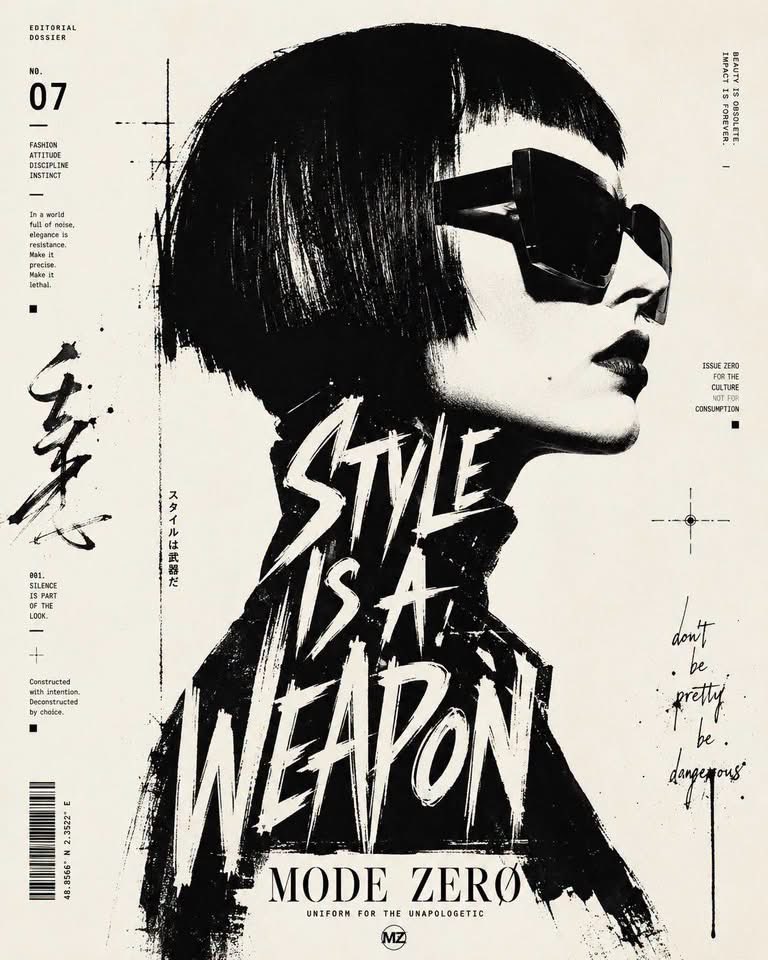
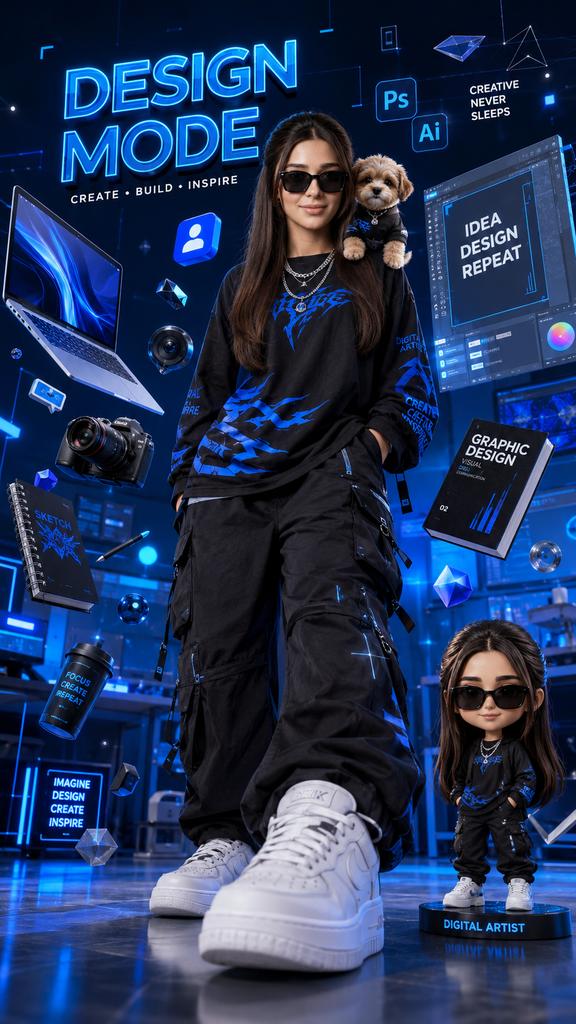
Prompt-specific breakdownWhat makes this prompt different.
Subject and scene

Create a macOS app icon for an app named "Bichon Shop"

Keep this cue visible when adapting the prompt for another ai skeuomorphic app icon prompt example for pet ecommerce apps, macos launch icons, and polished product branding image.
Composition and hierarchy

Design a single squircle icon with smooth continuous rounded corners, centered on a white canvas with generous padding, occupying about 80 percent of the canvas

Use this part to protect the 1:1 layout and avoid a generic composition.
Lighting and material cues

Use a modern light skeuomorphic macOS App Store style

Treat this as the quality control layer for the light skeuomorphic macos app icon look.
Style and output constraints

Keep the output to only one icon

Preserve this constraint when changing the subject, brand, product, or channel.
Variation promptsRewrite this example for nearby use cases.

These variations keep the core image logic from this prompt while changing one variable at a time.

Change the subject

Create a 1:1 brand design image for [new subject]. Keep this prompt logic: Create a macOS app icon for an app named "Bichon Shop". Use Light skeuomorphic macOS app icon styling for AI skeuomorphic app icon prompt example for pet ecommerce apps, macOS launch icons, and polished product branding, but replace the product, character, place, or audience with [your brief].

Change the channel

Adapt this concept for [ad, product page, thumbnail, story, poster, or hero image]. Preserve the Design a single squircle icon with smooth continuous rounded corners, centered on a white canvas with generous padding, occupying about 80 percent of the canvas and keep the result focused on AI skeuomorphic app icon prompt example for pet ecommerce apps, macOS launch icons, and polished product branding. Adjust crop, spacing, and visual hierarchy for the new channel.

Change the visual mood

Generate a new version with [brighter, darker, more premium, more playful, more editorial, or more minimal] mood. Keep Use a modern light skeuomorphic macOS App Store style as the style anchor and avoid changing the core subject unless the brief requires it.

Review checklistCheck the generated image before reusing it.
  • Confirm the image clearly supports AI skeuomorphic app icon prompt example for pet ecommerce apps, macOS launch icons, and polished product branding and does not drift into a generic brand design result.
  • Check the main prompt cue: Create a macOS app icon for an app named "Bichon Shop"
  • Review the 1:1 crop for subject placement, negative space, and channel fit.
  • Compare the output against the intended light skeuomorphic macos app icon style before publishing or reusing it.
  • Use the negative prompt to reduce these known issues: multiple icons, busy app grid, sharp square corners, dark background, messy typography, low-resolution fur, cheap clipart dog, flat vector-only style, cropped icon
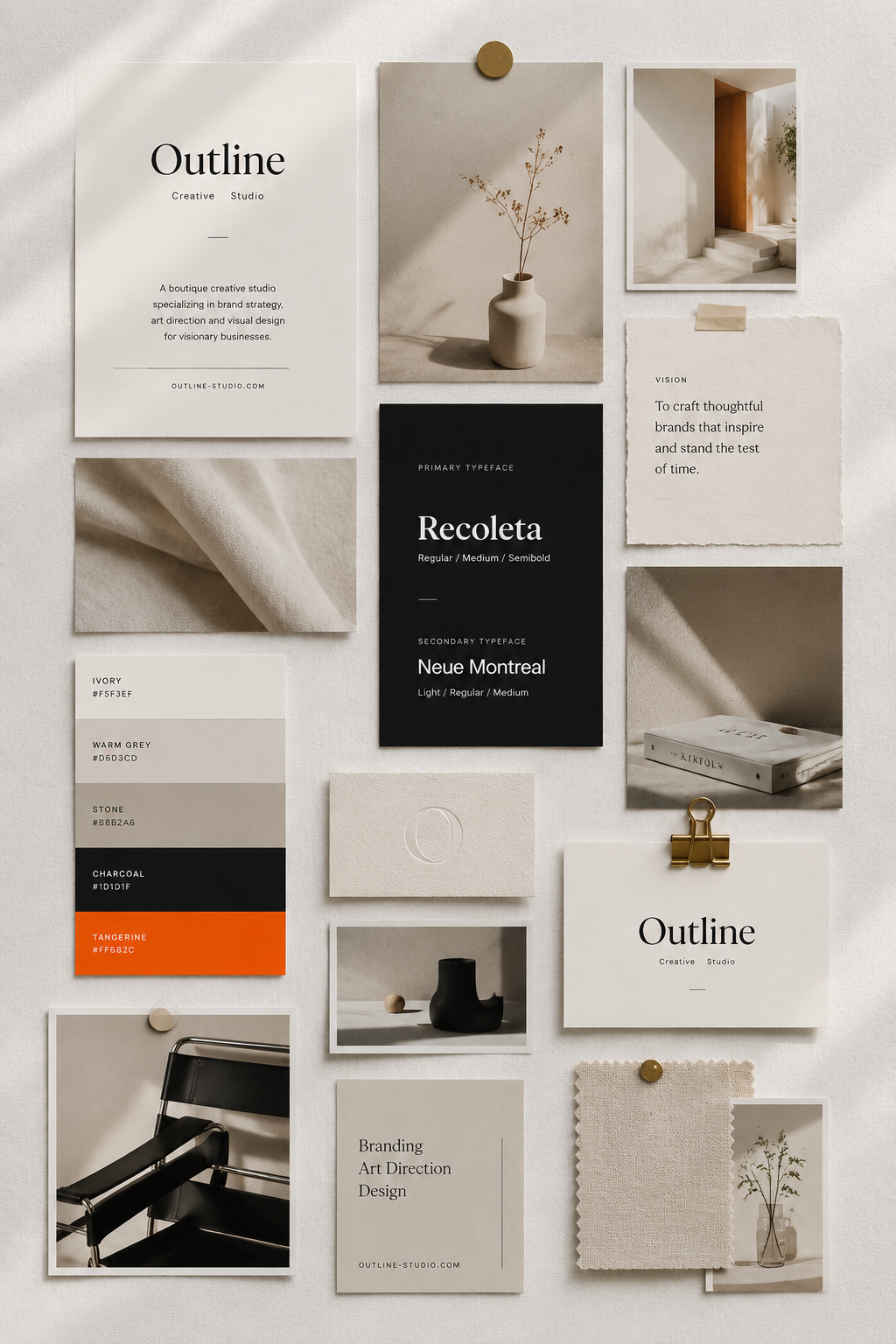
Prompt FAQCommon questions about this AI image prompt.

What can I create with the Bichon Shop Skeuomorphic App Icon prompt?

You can use it to create AI skeuomorphic app icon prompt example for pet ecommerce apps, macOS launch icons, and polished product branding in a Light skeuomorphic macOS app icon style, with a recommended 1:1 aspect ratio and search-friendly image direction.

Can I edit this AI image prompt for another subject?

Yes. Replace the subject, product, place, audience, or brand details while preserving the lighting, composition, aspect ratio, and quality constraints that give the prompt its structure.

Which aspect ratio works best for this prompt?

This example is designed around a 1:1 aspect ratio. You can change it for another channel, but keep the framing and hierarchy consistent when moving to square, vertical, or wide formats.

Should I use the negative prompt?

Yes. The negative prompt helps reduce issues such as multiple icons, busy app grid, sharp square corners, dark background, messy typography, low-resolution fur, cheap clipart dog, flat vector-only style, cropped icon. Use it as a starting point and add exclusions after reviewing your first result.