Packs / Creator Cover Prompt Pack

Prompt Pack

Creator Cover Prompt Pack

Use this pack when a content format needs a strong visual hook, clean hierarchy, and room for title or episode copy.

Published

Pack focus

A workflow pack for YouTube thumbnails, podcast covers, newsletter headers, and creator visuals.3 examplesCurated by Goodiebase
Best for
Thumbnail, Podcast, Newsletter
Formats
16:9, 1:1
ThumbnailPodcastNewsletter
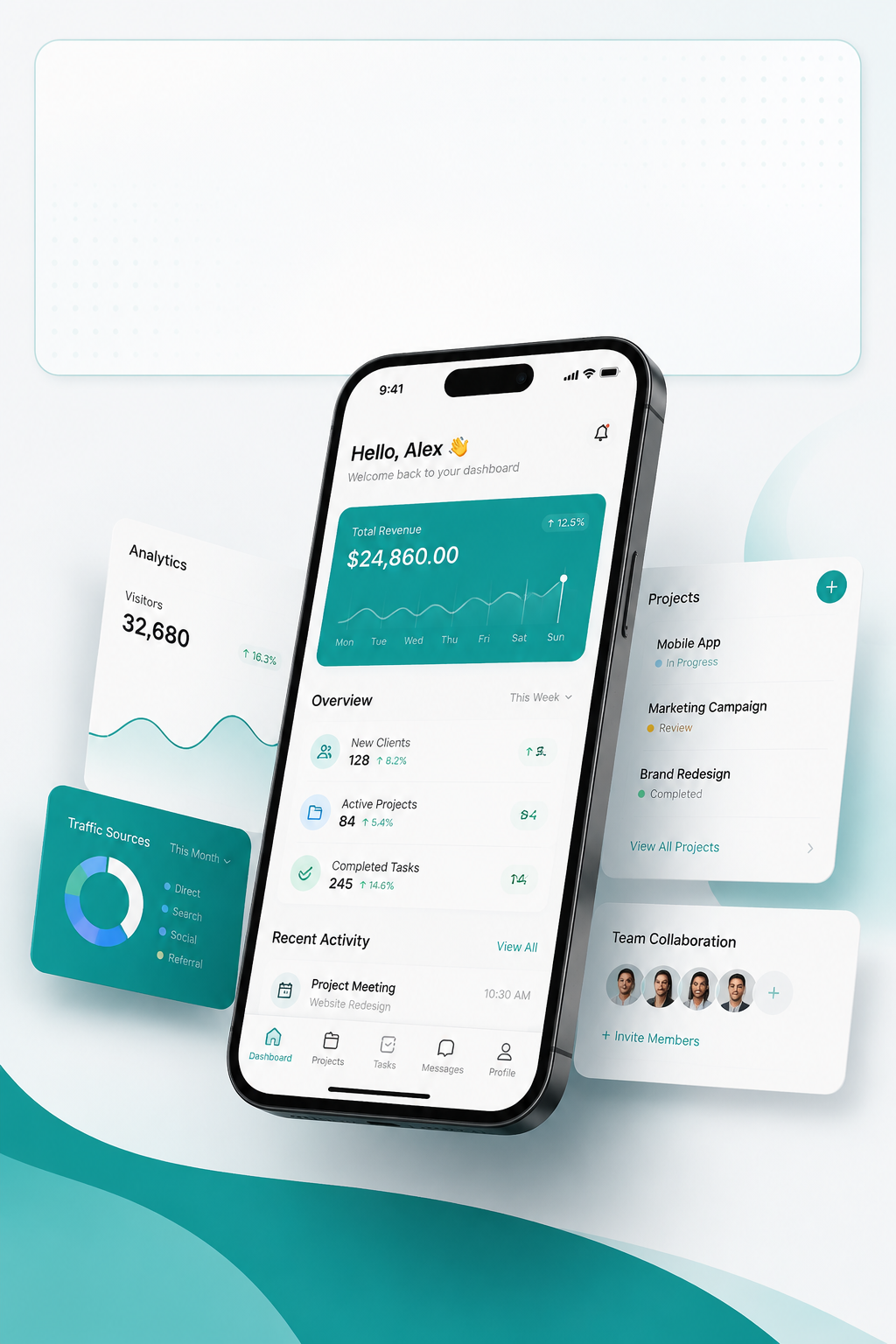
High-contrast YouTube thumbnail scene with AI app windows and bold lighting.16:9

Editorial Visuals

YouTube AI Tools Thumbnail

Create a clickable YouTube thumbnail concept for an AI tools video without relying on messy text overlays.
Use case
YouTube thumbnails
Style
Creator thumbnail
Format
16:9
Editorial podcast cover portrait with warm studio lighting and clean background.1:1

Editorial Visuals

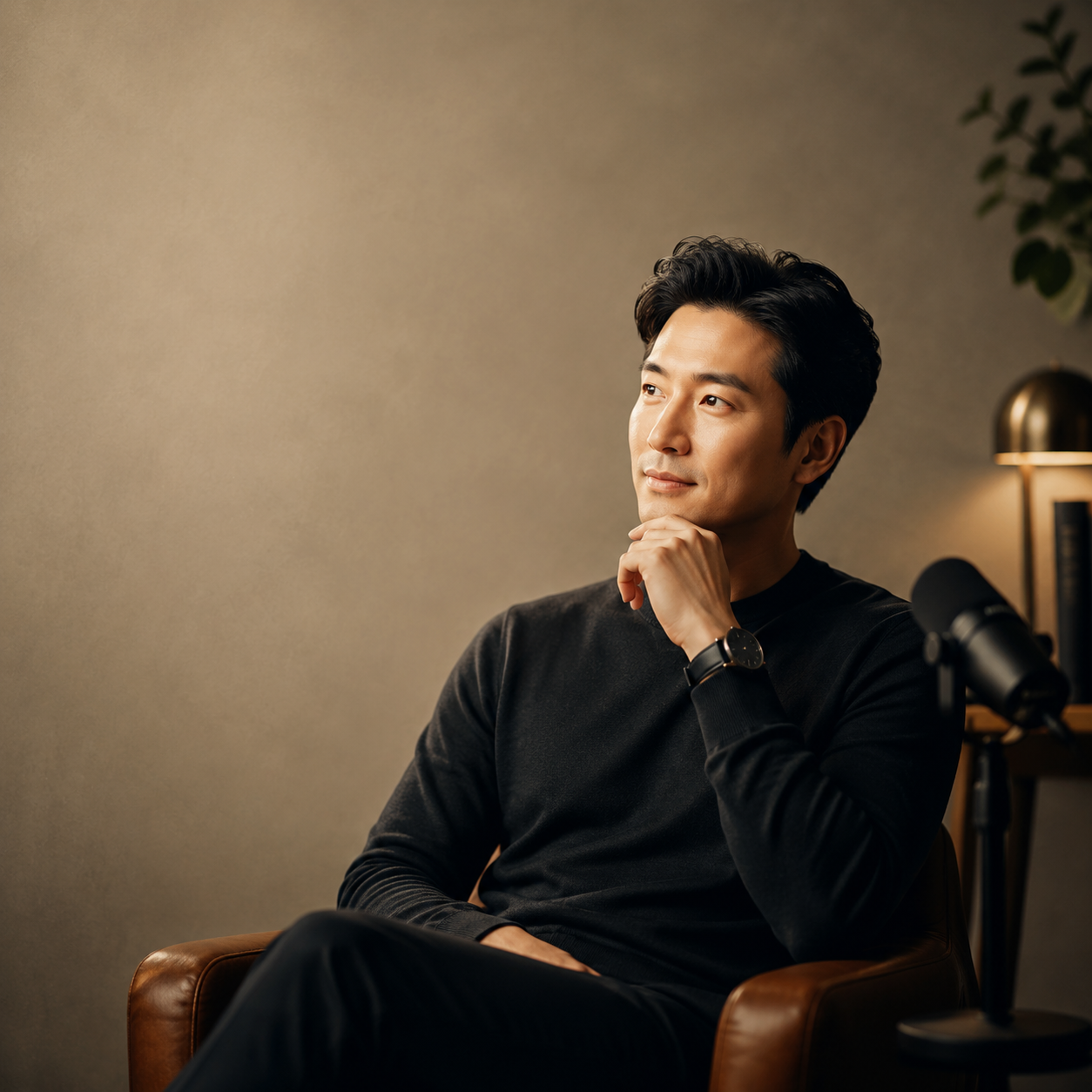
Podcast Cover Portrait

Create a refined cover portrait concept for a founder interview or expert podcast.
Use case
Podcast cover art
Style
Editorial portrait cover
Format
1:1
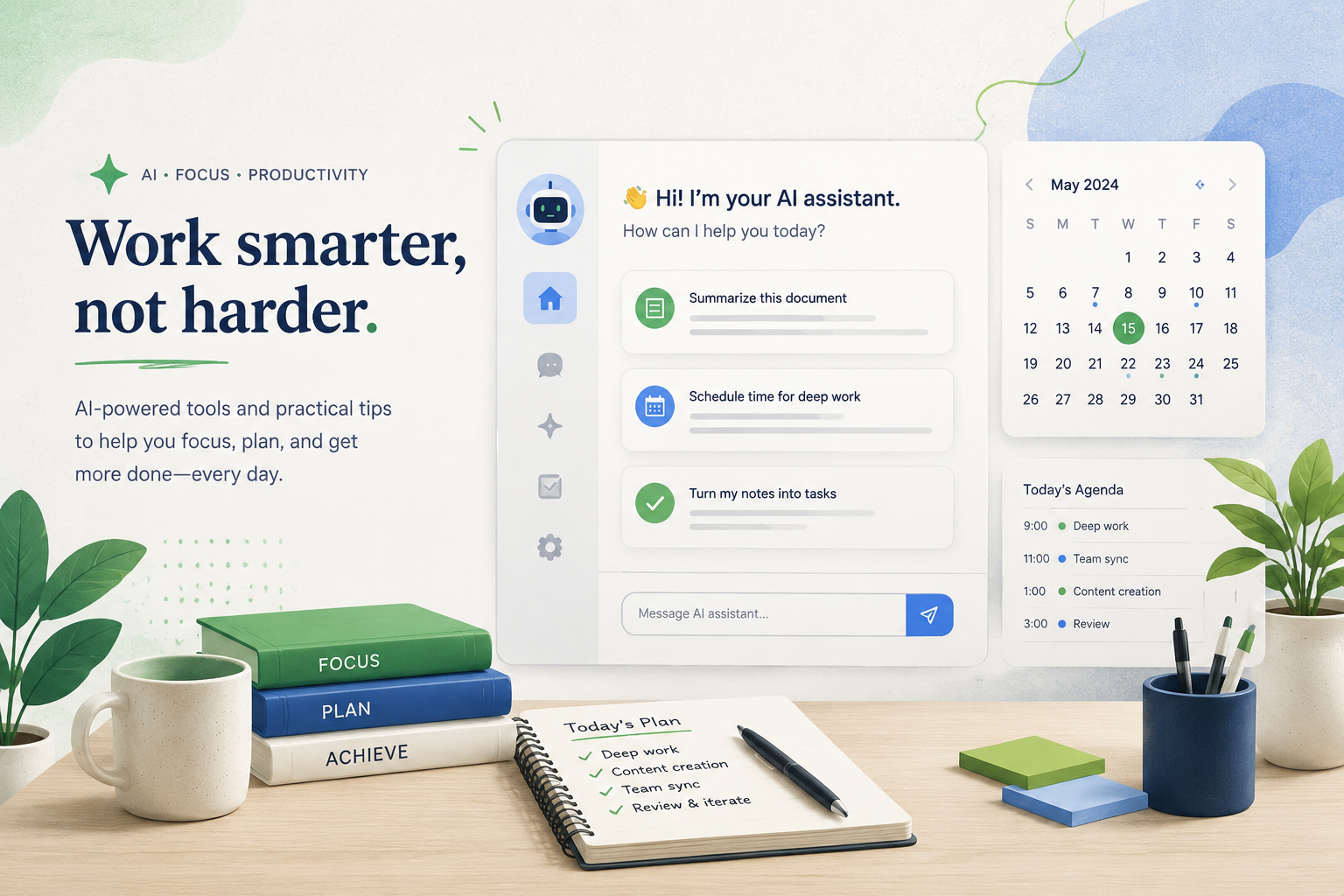
Editorial illustration of an organized desk with AI productivity interface elements.16:9

Editorial Visuals

Newsletter Header Illustration

Design a friendly newsletter header illustration for an AI productivity issue.

Use case
Newsletter headers
Style
Modern editorial illustration
Format
16:9

About this pack

How to use this prompt pack

Start with the example that matches your goal, prefill the generator, then replace the subject, product, audience, and output format with your own brief. Keep the aspect ratio and style direction when the workflow matches.

Best use cases

Where it fits

This pack works best when you need a repeatable visual pattern for campaigns, product pages, social posts, thumbnails, or brand assets instead of a one-off prompt.

Prompt pack workflow

Creator Cover Prompt Pack gives you a reusable workflow, not a single prompt.

A workflow pack for YouTube thumbnails, podcast covers, newsletter headers, and creator visuals. The pack is useful when you want to compare multiple prompt structures before choosing the closest fit for a real image task.

  • 3 prompt examples included
  • Formats covered: 16:9, and 1:1
  • Categories covered: Editorial Visuals

Use the pack for search-friendly image briefs

Turn Creator Cover Prompt Pack into specific page, ad, and social visuals.

Each example gives you a title, use case, style, aspect ratio, and prompt path. That structure makes the pack easier to scan and easier to adapt for SEO pages, product launches, social posts, or creator assets.

  • Good fit for: Thumbnail, Podcast, and Newsletter
  • Start with: YouTube AI Tools Thumbnail, Podcast Cover Portrait, and Newsletter Header Illustration
  • Open the matching example, then use the generator link with the prompt already prefilled.

Prompt pack FAQ

Common questions about this AI image prompt pack.

What is included in the Creator Cover Prompt Pack?

The pack includes 3 published AI image prompt examples for Thumbnail, Podcast, and Newsletter, with reusable prompts, image previews, aspect ratios, and links to generate from each example.

How should I choose which prompt to use first?

Choose the example whose use case and visual style are closest to your target image. Open the detail page, copy or prefill the prompt, then change the subject, product, audience, or channel-specific format.

Can I use one prompt pack for multiple campaigns?

Yes. Prompt packs are designed around repeatable workflows, so you can reuse the same pack for product pages, social visuals, thumbnails, campaign concepts, and brand assets with small prompt edits.

Which formats are covered in this prompt pack?

This pack currently includes these aspect ratios: 16:9, and 1:1. Use them as a starting point and adjust the format when your channel needs a different crop.