AI Tool
ChatGPT
A general AI assistant for writing, research, coding, planning, analysis, and everyday workflows.
Overview
What is ChatGPT
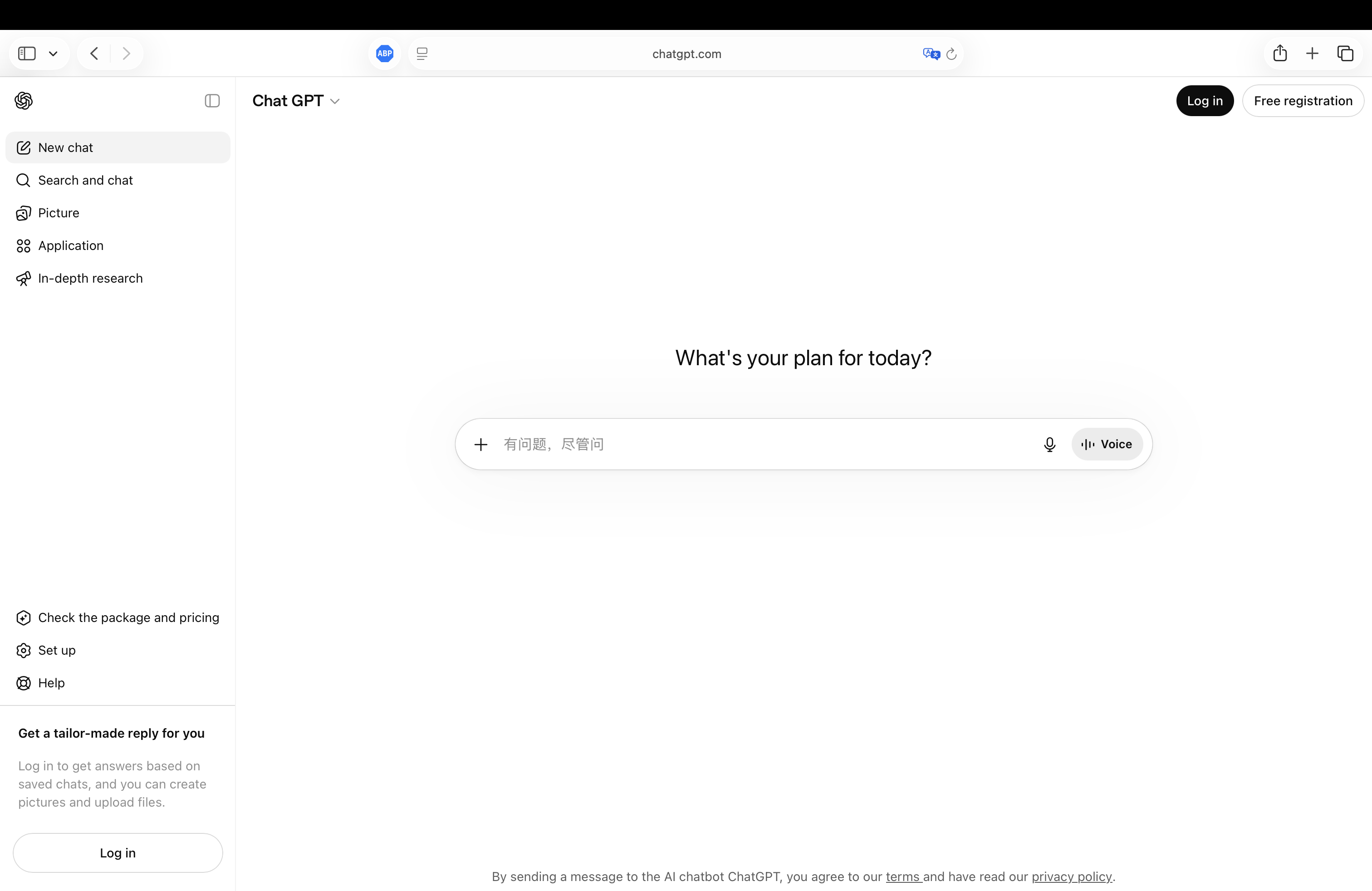
ChatGPT is useful as a flexible AI workspace for turning questions, notes, files, and rough ideas into structured outputs. It works best when you give it clear context, define the audience, and ask for a specific format such as a brief, checklist, draft, or comparison.
Key Features
What ChatGPT can do
- ChatGPT helps turn loose questions, notes, and source material into drafts, summaries, plans, and checklists that are easier to review.
- It can explain code, compare implementation options, and help debug a problem when you provide files, errors, and constraints.
- It works well as a thinking partner when you ask it to surface assumptions, missing context, and step-by-step next actions.
Use Cases
Where it fits
- Use ChatGPT to draft emails, outlines, product copy, scripts, or documentation when you can provide the audience, goal, and desired format.
- Use it to summarize notes, articles, meeting points, or long research material before turning the result into a decision or deliverable.
- Use it to explore code approaches, test ideas, and implementation tradeoffs before editing the actual project.
Best For
Who should use it
- ChatGPT fits general knowledge work where a fast first draft or clearer structure matters more than a final answer on the first try.
- It is useful for teams that want one assistant for writing, research, analysis, planning, and lightweight coding support.
- It works best for users who can review facts, tone, and assumptions before publishing, sharing, or making decisions.
Workflow Tips
How to get the most out of it
- Start with the goal, audience, constraints, and output format in the same prompt.
- Ask for assumptions and open questions before asking for a final answer.
- Verify factual claims, links, legal details, medical guidance, and time-sensitive information separately.