AI Tool
超能妙译 SupTranslate
An AI document translation tool for PDF and office files, designed for academic, technical and professional documents with layout-aware translation.
Overview
What is 超能妙译 SupTranslate
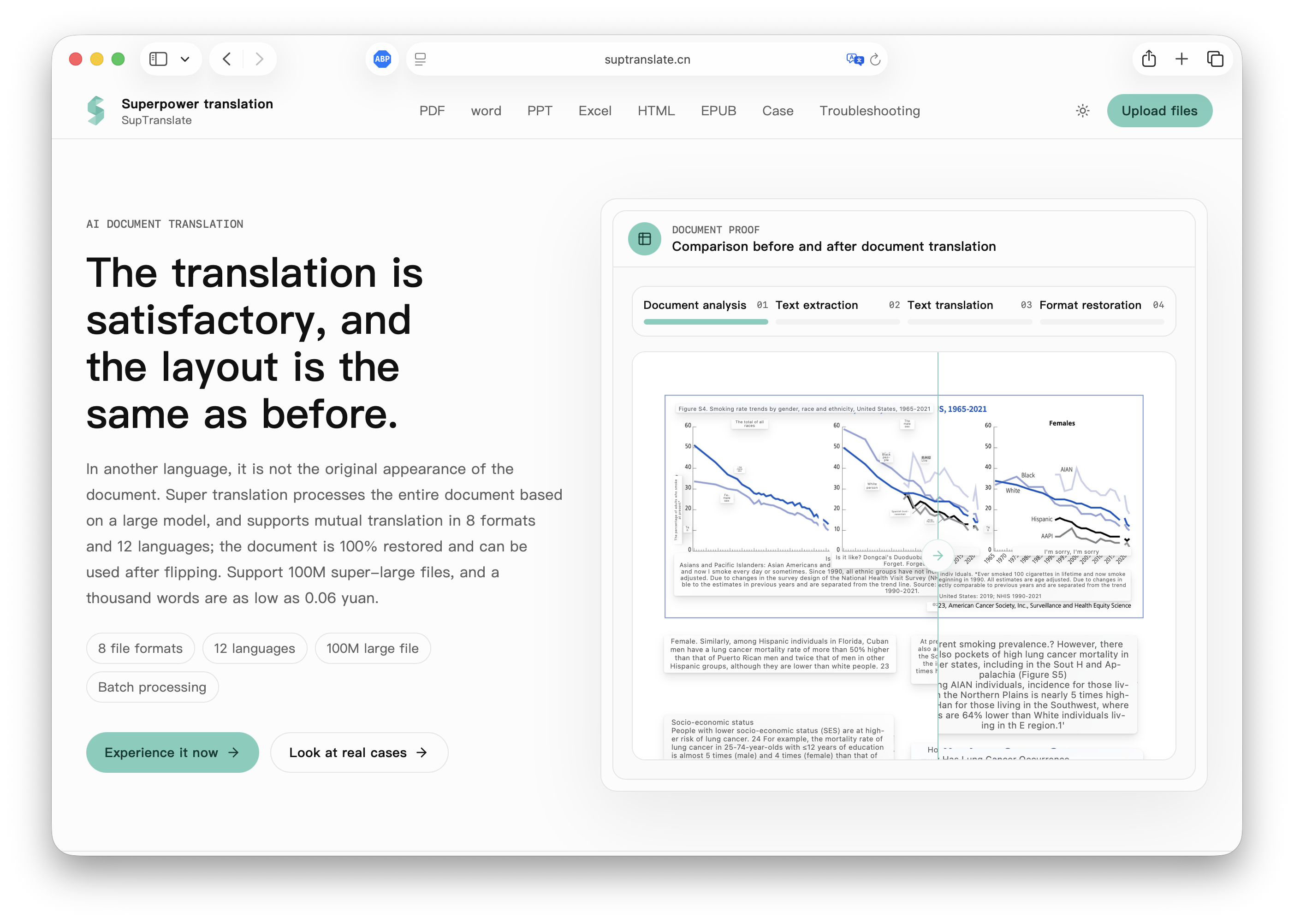
SupTranslate is an AI document translation service for complete files. It uses large-model processing to translate documents while preserving the original layout and supports eight file formats, 12 languages, batch processing, and files up to 100 MB.
Key Features
What 超能妙译 SupTranslate can do
- Translate complete PDF, Word, PowerPoint, Excel, and other supported document formats instead of copying text between tools.
- Use a document-processing workflow that parses files, extracts text, translates it, and restores the document format.
- Preserve key document relationships where possible, including tables, charts, numbering, and image-and-text layout.
- Show an estimated credit cost after upload before the translation starts.
- Support eight document formats, 12 language directions, batch processing, and files up to 100 MB.
Use Cases
Where it fits
- Translate academic papers, technical documentation, and research materials.
- Prepare multilingual presentation decks, spreadsheets, and business reports.
- Translate product manuals, engineering drawings, contracts, and tender documents.
- Create translated versions of ebooks, web content, and long structured documents.
Best For
Who should use it
- Researchers, students, and academic teams
- Technical writers and documentation teams
- Business teams translating reports, contracts, and presentations
- Professionals who need complete translated files with preserved structure
Workflow Tips
How to get the most out of it
- Upload the original source file and check the displayed estimated credit cost before starting.
- Choose the target language and review a representative document first for a new format or layout.
- Inspect tables, charts, numbering, image-text relationships, and formulas in the translated file.
- Use batch processing for multiple files, then review terminology and key data before sharing.
Limitations
Limitations
- The service aims to preserve formatting, but complex source layouts can still require manual review after translation.
- Translation quality and layout fidelity depend on the source document, file format, and language pair.
- Use qualified human review for legal, academic, clinical, financial, or other high-stakes documents.